Hi @Tara25, here are some instructions on how to private message.
How do I send a private message?
- Click on your profile picture in the top right of your screen
- Click on the envelope symbol in the drop-down menu

- You will be taken to your private message inbox
- Click the ‘new private message’ button
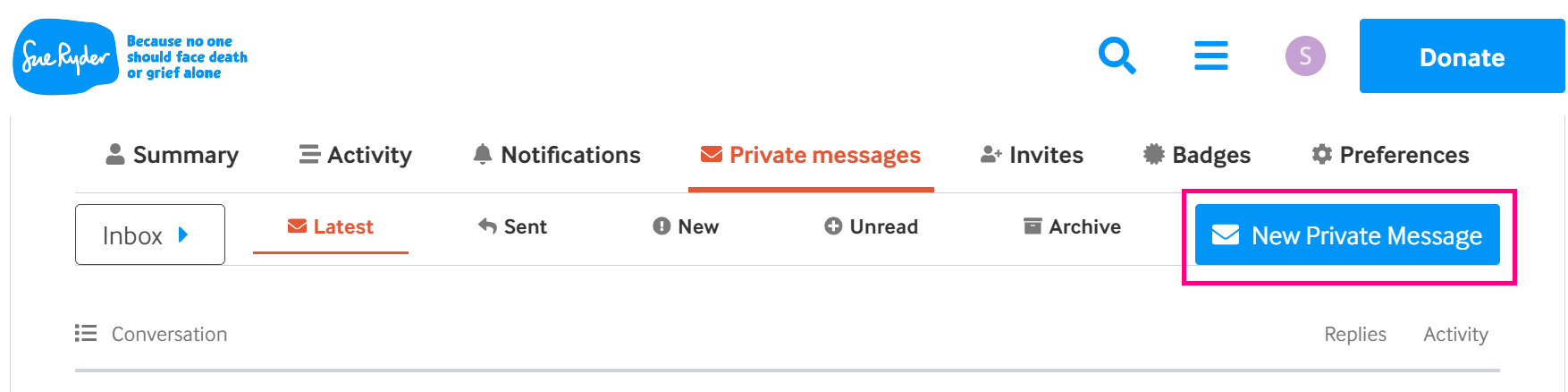
- A box will pop up. Where it says ‘add a user’ start typing the name of the person you’d like to message, and select their name when it comes up in the drop-down list.

- Fill in the message subject and text
- Click the pink ‘private message’ button underneath your message to send
OR
- Click on another user’s username or profile picture anywhere on the site
- A box will pop up with their profile information. Click on the ‘private message’ button in that box
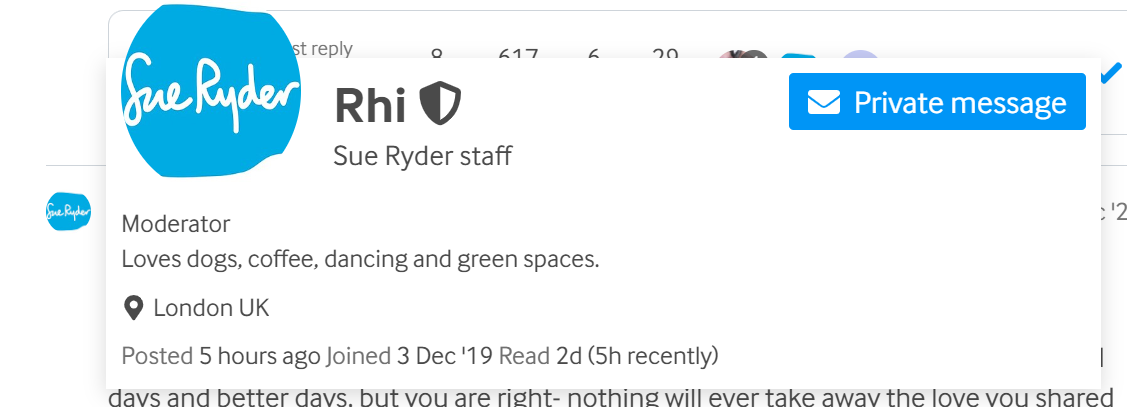
- Fill in the message subject and text
- Click ‘private message’ button underneath your message to send
You can also send a private message by visiting any user’s profile page.
There are more instructions on how to use different features on the site on our Help page.
Take care 